TV REMOTE CONTROL: OUT OF THE BOUNDS OF THE ORDINARY
The “Extraordinary Ordinary Things” blog series aims to emphasize the fact that certain things have become so ingrained in daily […]
Read more
There are 5 basic functions which your new Airtel remote needs to learn about your TV: TV Power code- On/Off, AV/Input Source, TV VOL +, TV VOL –
Steps for Universal remote setup:
Step 1: Bring Airtel digital TV remote in learning mode. Press and hold ‘’OK + Numeric 2” key for 3 seconds. The LED blinks twice to indicate that your Airtel remote is ready to learn.
Step 2: Hold the source (TV, LCD, or LED) remote and Airtel remote in front of each other (3cm-6m apart).
Step 3: Press and release the key (First on Airtel remote and then on Source remote) which needs to be programmed in Airtel remote.
Example: Press and release the TV Power key on both remotes and release. The Airtel remote blinks twice to indicate successful learning of ‘TV power code’.
Step 4: Now Press and release other keys (first on Airtel and then on source remote): AV, Vol +/-.
Step 5: Press “OK” on Airtel remote to store the new information about your TV. The LED will blink twice to indicate the successful transfer of information from your current TV remote to the new Airtel remote.
If the Airtel remote blinks four times, it means the learning failed. Go to Step 1 again.
To begin setting a Tata Sky Universal Remote, the first step is getting the Tata Sky remote into programming mode.
Step 1: Bring Tata Sky DTH remote in learning mode. Press and hold ‘’Select + Numeric 2” key for 3 seconds. The LED blinks twice and stays on to indicate that your Tata Sky remote is ready to learn.
Step 2: Hold the source (TV, LCD, or LED) remote and Tata Sky remote in front of each other (3cm-6m apart, sensor to sensor).
Step 3: Press and release the key (First on Tata Sky remote and then on Source remote) which needs to be programmed in Tata Sky remote.
Example: Press and release the TV Power key on both remotes and release. The Tata Sky DTH remote blinks twice to indicate a successful learning of ‘TV power code’.
Step 4: Now Press and release keys for AV button pairing (first on Tata Sky and then on source remote): ‘help’ on Tata Sky remote and AV/Input Source on TV remote.
Step5: Now Press and release Volume +/- keys (first on Tata Sky and then on source remote).
Step 6: Press “Select” on Tata Sky remote to store the new information about your TV. The LED will blink twice to indicate successful transfer of information from your current TV remote to the new Tata Sky remote.
If the learning fails, go to Step 1 again.
Step 1: Press the OK and 0 keys together on the DishTV Universal Remote until the TV mode LED turns red: this shows that the remote is ready to learn.
Step 2: Place the DishTV Universal Remote on a flat surface. Take your TV remote and place it in front of the Universal Remote so that their LED lights face each other directly. The distance between the remotes should be 5cm.
Step 3: To program the Universal Remote’s TV power button, press the TV power key on the Universal Remote. The red TV Mode LED on the DishTV Remote will blink once to confirm that you can proceed.
Step 4: Press the power key on the TV remote. The red TV Mode LED on the Universal Remote will blink twice to confirm that it has learned the command.
Step 5: You can follow the same process for VOL UP/DOWN. MUTE, SOURCE & Navigation (UP/DOWN/LEFT/RIGHT/OK).
Step 6: To save the learned commands, press the TV power key on the Universal Remote until the red TV Mode LED blinks thrice.
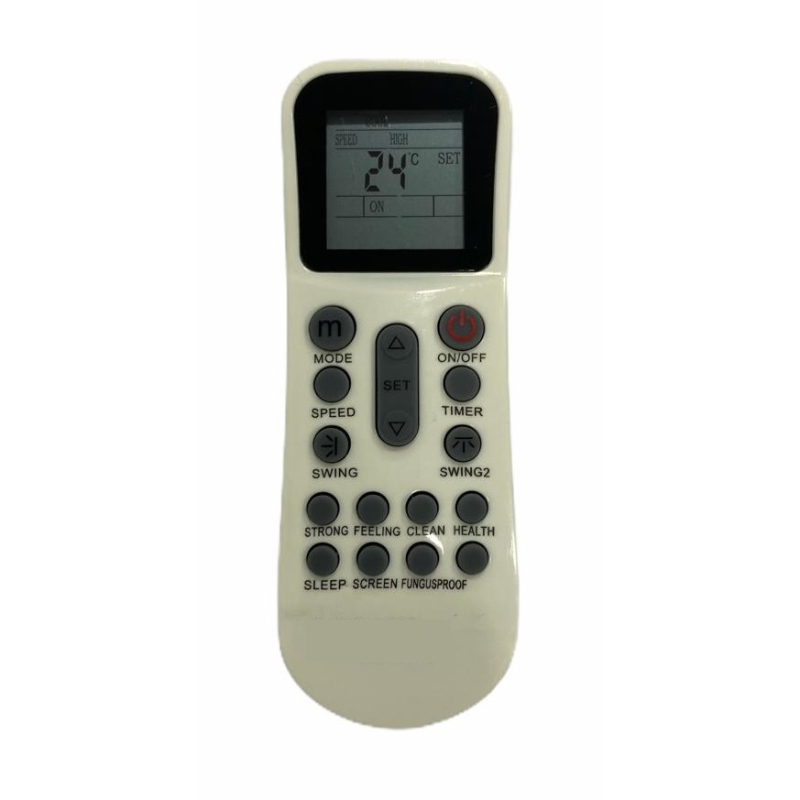
The “Extraordinary Ordinary Things” blog series aims to emphasize the fact that certain things have become so ingrained in daily […]
Read moreThere are many cool features on your AC remote. But are you sure you know what every single button is […]
Read morePeople are different. And so are power sockets. There are a total of 12 different power sockets around the world, […]
Read more


